Free tool
Every word your Words With Friends rack can play
Find every word your Words With Friends rack can play, scored with the game's own tile values. Free, no account, blanks supported.
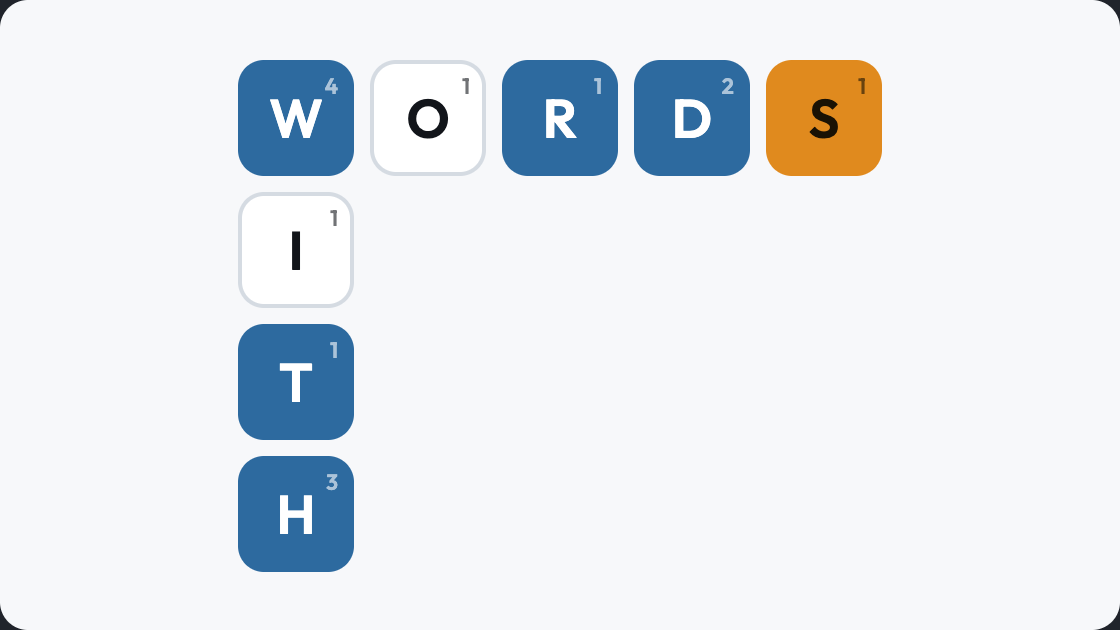
Enter your letters to see what they make.
How to use the Words With Friends finder
-
Enter the tiles you are holding
All seven, in any order, with a question mark for each blank. The order on your rack makes no difference to what you can play.
-
Include a letter you are playing through
Add the board letter to your rack, then use the pattern boxes to fix where it sits. That turns a list of words you could make into a list of words you can actually place.
-
Check the score before the length
Words With Friends scores tiles differently from Scrabble, so the best play here is often not the best play there. Each word shows its score under this game's values.
More free word games and tools
 Scrabble Word Finder
Every playable word from your Scrabble rack, scored on official tile values and sorted highest first. A scrabble helper for the word you cannot quite see.
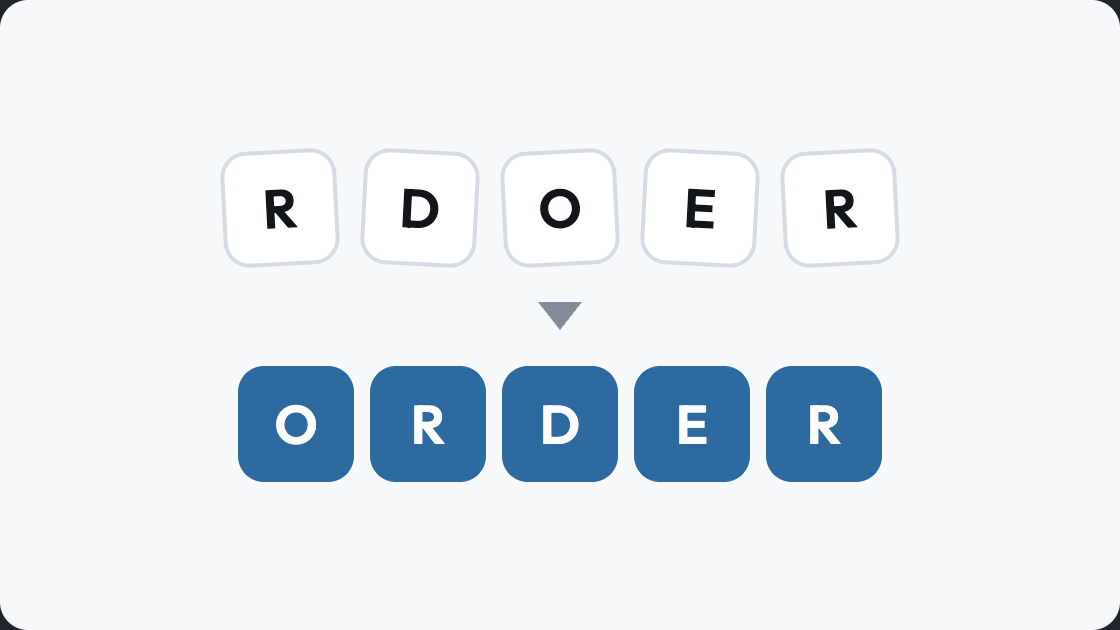 Word Unscrambler
Unscramble words instantly: type your letters and get every word they make, longest first. A letter unscrambler that works on anything from three letters to a full rack.
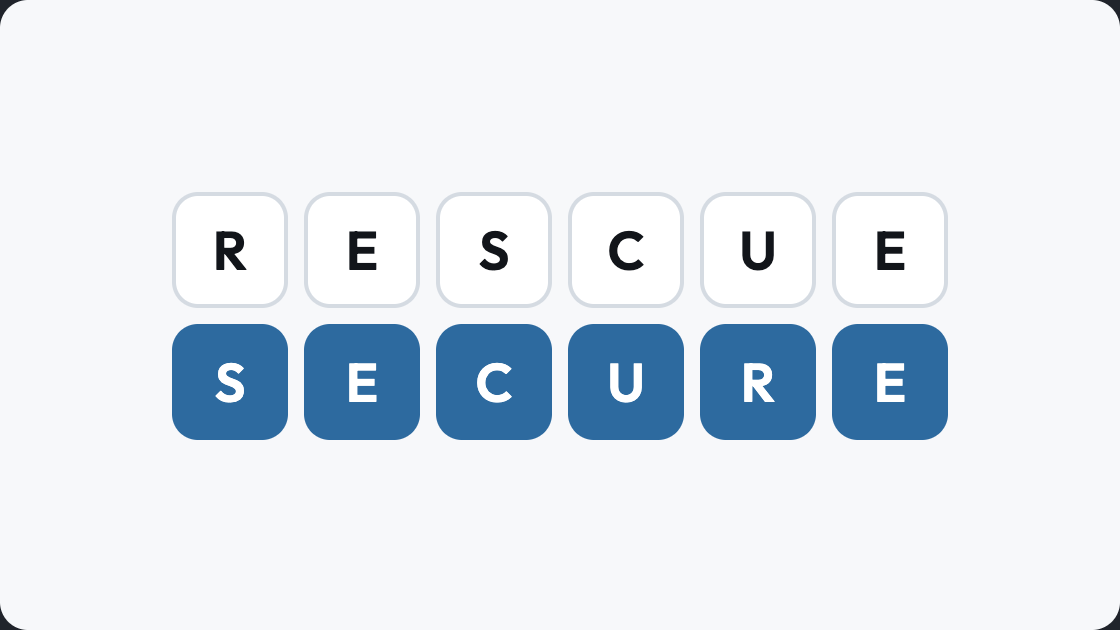 Anagram Solver
An anagram solver that uses every letter you give it, not just some of them. Rearrange a word or a name into the real words hiding inside it.
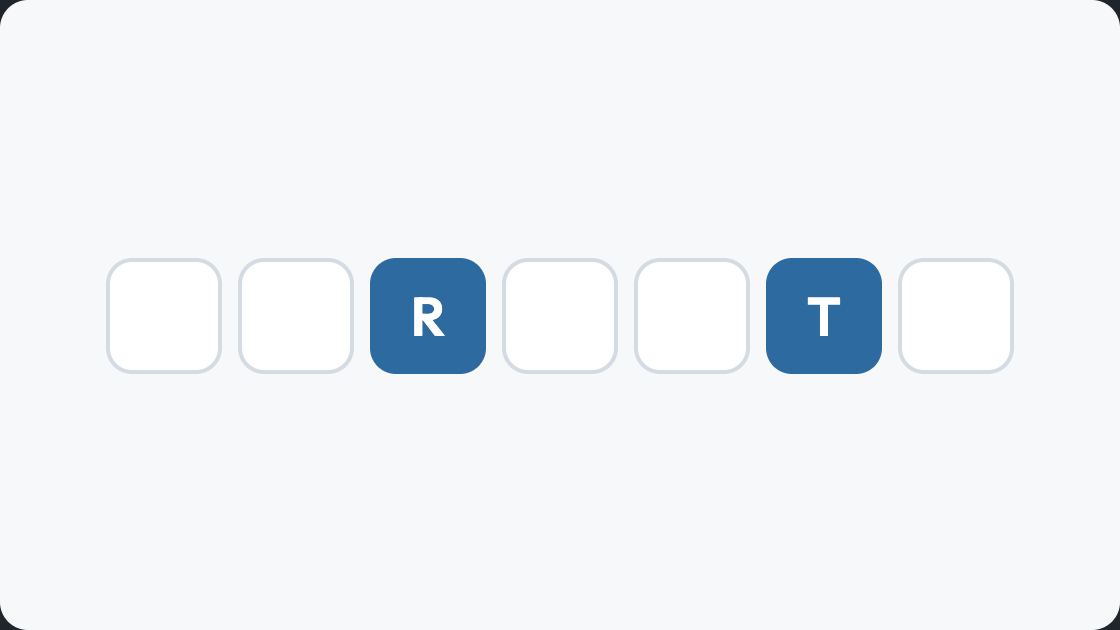 Word Finder
Find words with letters you already hold, and say where they sit. A word finder tool for a board you are part way through rather than a blank rack.
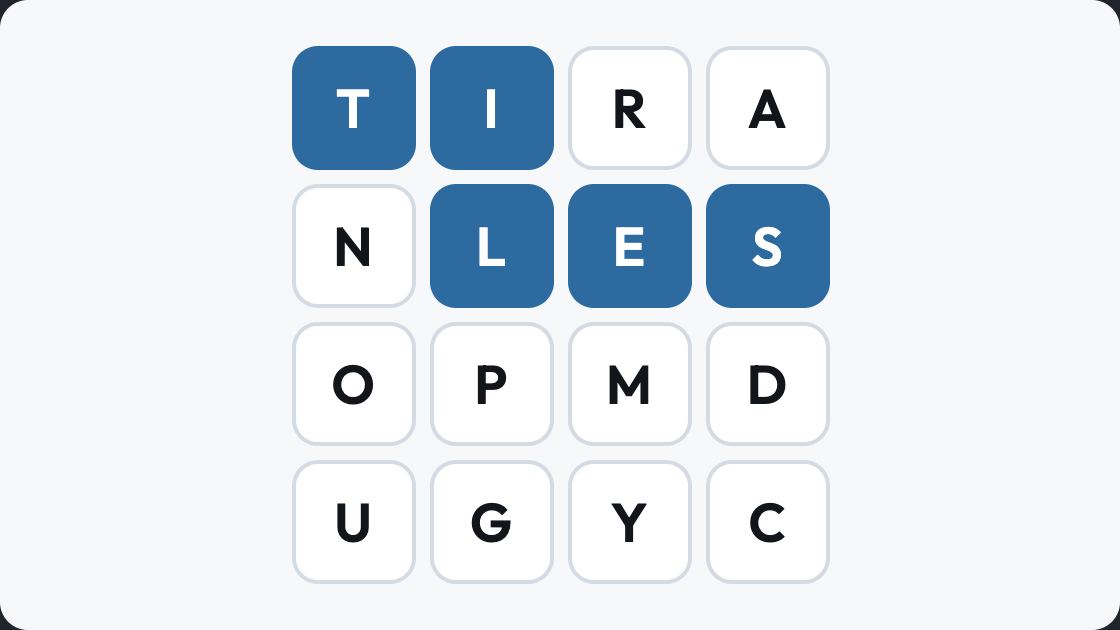 Boggle
Play boggle free on a four by four tray: trace every word you can find through touching letters before the clock runs out. A word grid game that scores longer finds higher.
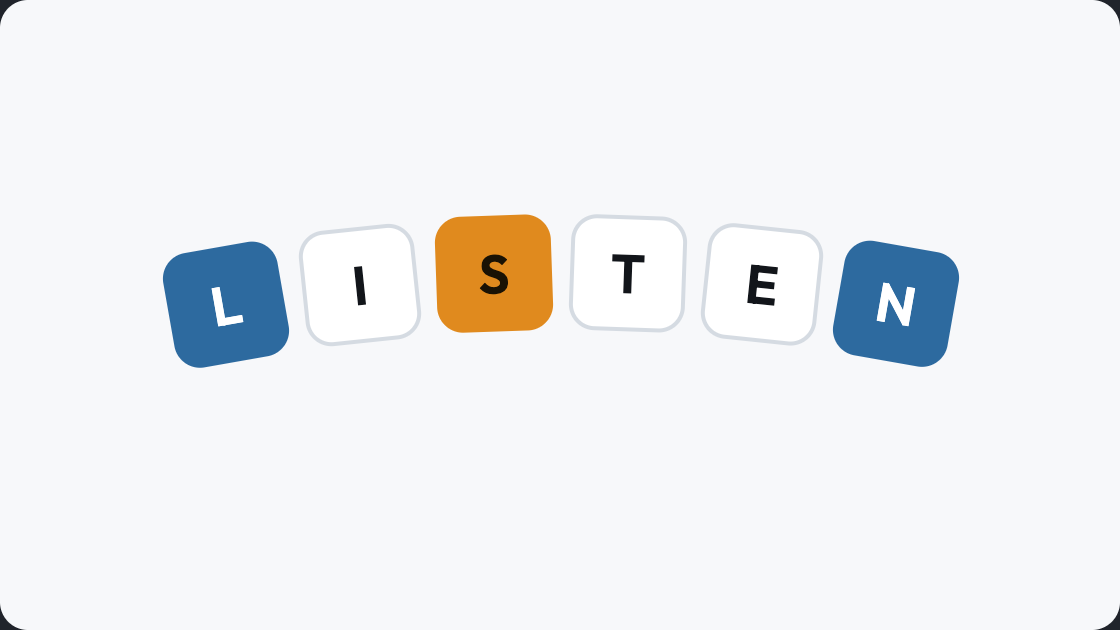 Text Twist
Text twist online and free: six letters, and every word they can make, with no clock to race. A word scramble game where finding the six-letter word opens the next round.
Words With Friends questions, answered
Why are the scores different from Scrabble?
Words With Friends uses its own tile values. H and Y are worth less, J and X are worth more, and the board has a different arrangement of premium squares.
Is the word list the same as Scrabble?
No. The two games accept different words, which is why they have separate finders here. A word that is valid in one is not guaranteed in the other.
How do I handle a blank tile?
Type a question mark for each one. A blank scores nothing but takes any letter, which often makes a much longer word possible.
Does it show where to play the word?
No. It finds the words your tiles make and what they score. Where they go depends on your board, which only you can see.
Is it free to use?
Yes, with no account and no cap on how many searches you run.